
The Ultimate Guide to Google My Business Optimization for Doctors in 2026
Introduction: The “Zero-Click” Reality of Healthcare Searches
Imagine a patient waking up at 2:00 AM with an agonizing toothache. Do they open Google and read a 3000-word blog post about dental anatomy? No. They pull out their smartphone and type: “Emergency dentist near me.”
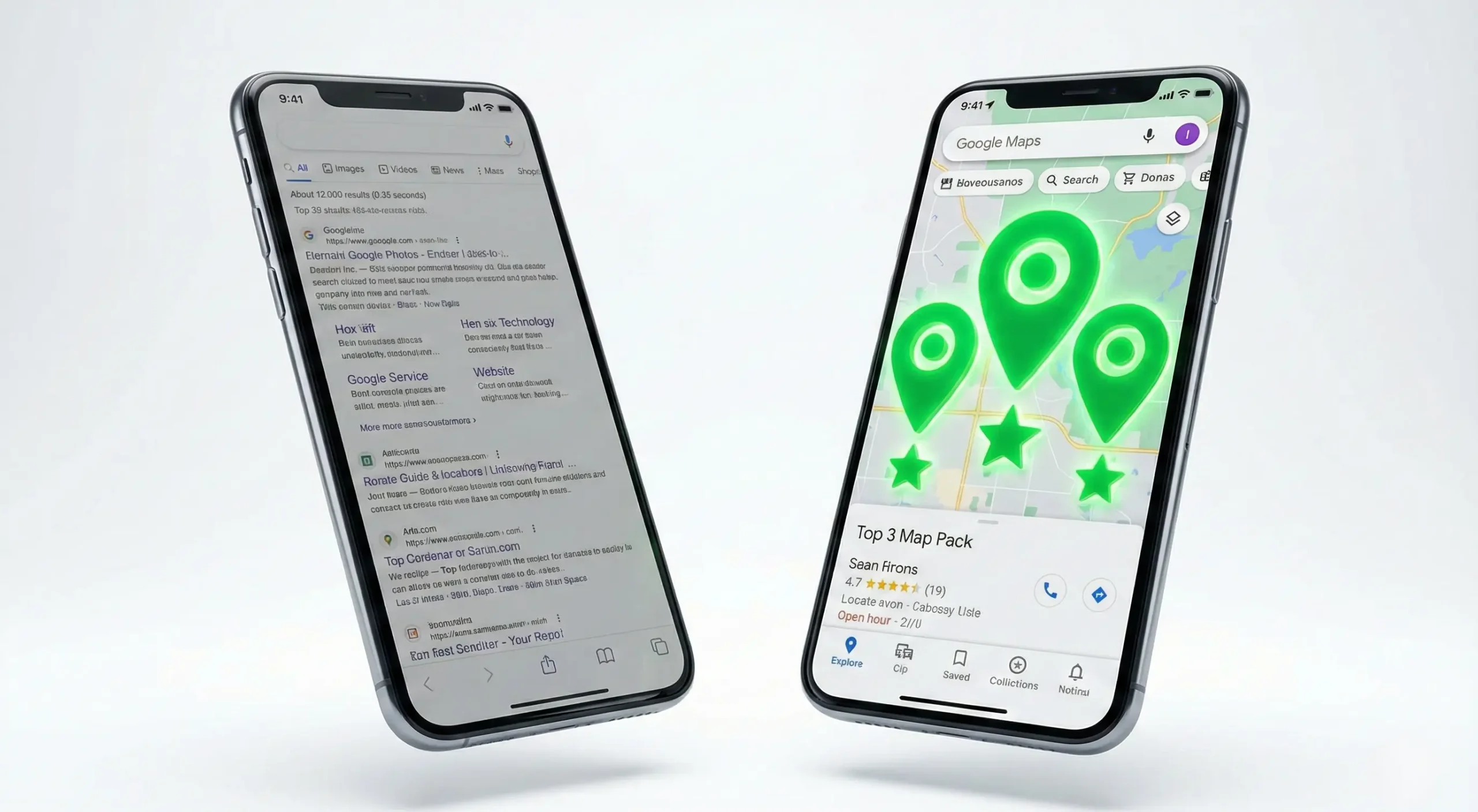
What happens next dictates the financial success of your medical practice. Google instantly displays the Local Map Pack—a cluster of three top-ranking clinics in their immediate vicinity.
If your clinic is not in those top three spots, you are practically invisible. You are losing high-intent, ready-to-book patients to competitors who might have less medical experience but better digital strategies.
In 2026, Google My Business (GMB)—now officially called Google Business Profile (GBP)—is the absolute lifeblood of medical marketing. It is the new digital front door to your clinic. This comprehensive guide will walk you through the exact, evidence-based protocol we use at Peakora to take medical practices from “invisible” to dominating their local territory.
Chapter 1: Why General SEO Fails Doctors (And Why Local Maps Win)
Many doctors invest heavily in traditional SEO, optimizing their website to rank for broad terms. While website SEO is vital for long-term authority, it lacks the urgency of Local SEO.
The Psychology of the “Near Me” Search
Healthcare is inherently local. According to recent data, over 78% of mobile “near me” searches result in an offline conversion (like a phone call or a clinic visit) within 24 hours. Patients prioritize proximity and trust over everything else.
Google’s algorithm knows this. When it detects a query with local intent (e.g., “cardiologist,” “IVF clinic,” “best pediatrician”), it bypasses standard website listings and pushes the Map Pack to the very top of the screen. This is known as a “Zero-Click Search” because the patient gets the phone number, directions, and reviews without ever needing to click through to a website.
If your Google My Business optimization for doctors isn’t flawless, your beautifully designed website won’t even get seen.
Chapter 2: The Core Foundation – Claiming and Structuring Your Medical Profile
Before you can optimize, you must build the foundation correctly. The healthcare industry is unique because Google allows multiple profiles at a single address. Understanding this structure is critical.
The “Practice” vs. “Practitioner” Dilemma
One of the most common mistakes clinics make is confusing the facility with the physician. Google’s guidelines strictly separate the two:
- The Practice Profile (The Clinic/Hospital): This profile represents the physical location. It should be branded as “City Care Multi-Specialty Hospital” or “SmileBright Dental Clinic.”
- The Practitioner Profile (The Doctor): Doctors can have their own distinct profiles nested under the main practice, named “Dr. Rahul Sharma, MD – Orthopedic Surgeon.”
Pro Tip for Multi-Doctor Clinics: Always rank the Practice Profile first. If an individual doctor leaves your clinic, they take their Practitioner Profile (and its reviews) with them. Your primary marketing efforts should build the brand equity of the clinic itself.

The Verification Process
Google has tightened its verification process to combat spam. You will likely need to perform a Video Verification. You must record a continuous video showing your street signage, the entrance to your clinic, the reception area, and proof of management (like unlocking the clinic door or accessing the billing software). Do not skip this; unverified profiles do not rank.
Chapter 3: The “N.A.P.T.” Protocol for Absolute Consistency
The Google Maps algorithm is essentially a matching engine. It looks for trust signals. The strongest trust signal is consistency across the internet. We call this the N.A.P.T. Protocol.
Name
Your business name on GMB must exactly match your real-world signage. Do not keyword stuff.
- Wrong (Spammy): Dr. Gupta Skin Clinic – Best Dermatologist in Mumbai, Acne Treatment, Hair Fall.
- Right: Dr. Gupta Skin Clinic.
Keyword stuffing in the title is the fastest way to get your profile suspended by Google.
Address
Your address must be hyper-specific. Include the suite number, floor, and building name. Ensure the map pin is dropped exactly on your entrance. If a patient gets lost using Google Maps because your pin is off by 50 meters, they will leave a 1-star review before they even walk in.
Phone Number & Time
Use a local landline or a dedicated mobile number as your primary contact. Medical emergencies happen 24/7. Be explicitly clear about your hours. Utilize the “Special Hours” feature for national holidays to prevent patients from arriving at a closed clinic.
Chapter 4: Advanced Category Selection (Your Secret Weapon)
Categories dictate which searches you are eligible to show up for. Most doctors select one generic primary category (e.g., “Doctor” or “Hospital”) and stop there. This leaves money on the table.
The Power of the Primary Category
Your primary category holds the most SEO weight. It should represent your core, highest-revenue specialty.
- If you are a dentist who primarily wants high-ticket implant patients, do not choose “Dentist.” Choose “Dental Implants Periodontist.”
- If you run a cosmetic surgery center, choose “Plastic Surgeon” rather than “Medical Clinic.”
Layering Secondary Categories
You can add up to nine secondary categories. Use them to cover your entire service spectrum. An eye hospital’s secondary categories should include: Ophthalmologist, Laser Vision Correction Center, Eye Care Center, and Optician. By building a semantic web of categories, you tell Google exactly how broad your medical expertise is.

Chapter 5: Translating Medical Jargon into Services & Products
Patients don’t search for complex medical terminology; they search for their symptoms or colloquial terms for treatments. Your GMB “Services” section bridges this gap.
The Services Menu
List every single procedure you perform. Do not just list “Orthopedics.” Break it down: Total Knee Replacement, ACL Reconstruction Surgery, Arthritis Pain Management. Write a patient-friendly explanation for each and explicitly state that you are accepting new patients.
The Products Tab
The “Products” tab displays highly visual cards on your profile. Dentists can list Invisalign; Dermatologists can list laser hair removal packages. Include a high-quality photo, a price range, and a button linking directly to the booking page.
Chapter 6: Visual SEO – Building Trust Before They Step Inside
A medical practice is a high-trust environment. A patient wants to know if your clinic is clean, modern, and safe before they book. If your GMB profile only has a blurry photo of your clinic’s exterior taken by a Google Street View car in 2018, you are losing patients.
The Medical Visual Checklist:
- The Exterior: Clear daytime photos of your building and signage.
- The Waiting Room: Clean, brightly lit photos of the reception.
- The Treatment Rooms: Showcase your state-of-the-art equipment. Patients equate modern machines with better care.
- The Team: Professional, smiling headshots of the doctors in their white coats.
The Pro-Secret: Geotagging Images. Before uploading, Peakora strips standard metadata and injects EXIF data with exact Latitude and Longitude coordinates. When Google crawls the image, it reads this data, further cementing your authority in that specific geographic radius.

Chapter 7: The Review Engine (Reputation is Revenue)
In healthcare, your Google rating is your digital currency. 94% of patients read online reviews before choosing a doctor. A 4.8-star rating with 300 reviews will obliterate a 5.0-star rating with only 3 reviews.
How to Generate Authentic Reviews
- The Point of Care Ask: Train your reception staff to ask for a review right after a successful appointment.
- QR Code Standees: Place an elegant acrylic standee at the reception desk with a QR code.
- Automated SMS/Email: Send an automated “Thank You” message with a review link 2 hours after the patient leaves.
Navigating HIPAA and Medical Ethics
You must reply to every single review, but navigate privacy laws strictly. Never confirm a medical procedure online. For negative reviews, never argue medical facts online; immediately offer a phone number to resolve it offline.
Chapter 8: Google Posts – Your Digital Billboard
Google allows you to publish social-media-style posts directly on your profile. These expire every 7 days (for standard posts), meaning you must post consistently to keep your profile “active” in the eyes of the algorithm.
What Doctors Should Post:
- Educational Snippets: “3 Signs You Might Need a Root Canal.” This establishes thought leadership.
- Clinic Updates: “We are thrilled to announce the arrival of the new 3D MRI machine.”
- Offers & Camps: “Free Eye Checkup Camp this Sunday.”
Always include a bold Call To Action (CTA) button on your posts, such as “Book Online” or “Call Now.”

Chapter 9: The Q&A Section (Pre-empting Patient Anxiety)
Anyone can ask a question on your GMB profile, and worse, anyone can answer it. If you aren’t monitoring this, a random internet user might give incorrect medical information or false clinic timings.
The Proactive Q&A Strategy
Don’t wait for patients to ask questions. Populate this section yourself. Create a “Seed FAQ” on your profile covering insurance tie-ups, parking availability, and consultation fees. This reduces friction and signals to Google that your profile is highly informative.
Chapter 10: Spam Fighting – Cleaning Up Your Neighborhood
This is an advanced local SEO tactic that most doctors don’t know exists. Are your competitors ranking above you because they are cheating? Many clinics keyword-stuff their names, violating Google’s guidelines.
At Peakora, we act as the “Map Police.” We manually audit the top-ranking competitors in your area. If we find them violating guidelines, we file official “Redressal Forms” with Google to get their spam listings suspended. When the cheaters are removed, your compliant profile naturally moves up to the #1 spot.
Chapter 11: Tracking ROI with GMB Insights and UTMs
Marketing without measurement is just gambling. You need to know exactly how many patients your Google profile is generating.
UTM Tracking
Never put a naked URL in your GMB profile link. Instead, use a UTM tracking link. This allows your Google Analytics to isolate exactly how much traffic and revenue came specifically from Maps.
GMB Performance Metrics
Monitor “Direction Requests” (the highest-intent metric) and track how many calls are routed directly from the Map Pack to measure real-world clinic footfall.
Conclusion: Stop Losing Patients to the Competition
Optimizing a Google My Business profile for a medical practice is no longer a “set it and forget it” task. It is an ongoing, highly strategic battle for local territory. From N.A.P.T. consistency and Geotagged images to HIPAA-compliant review management and competitor spam fighting, it requires a dedicated protocol.
You spent years in medical school mastering your specialty. You shouldn’t have to spend your evenings fighting with the Google Maps algorithm. Your clinic deserves to be the dominant authority in your city.
If you are tired of relying on word-of-mouth referrals and want to build a predictable, scalable patient acquisition machine, it’s time to bring in the specialists. At Peakora, we don’t treat your clinic like a generic business. We implement medical-grade local SEO strategies that turn your Google Maps profile into a 24/7 patient booking engine.

Ready to dominate the Top 3 Map Pack?
Stop letting your competitors steal your patients. Contact Peakora today for a Free Local SEO Geogrid Audit. We will show you exactly where you rank in your city right now, and exactly how we will get you to #1.
Get Your Free Local SEO Ranking Report Today